Connect your device
Use the official Ledger Wallet app to get started. Follow the on-screen instructions to connect and prepare your device.
Welcome to Ledger. Take a few simple steps to set up your device and put the keys to your digital life in your hands.
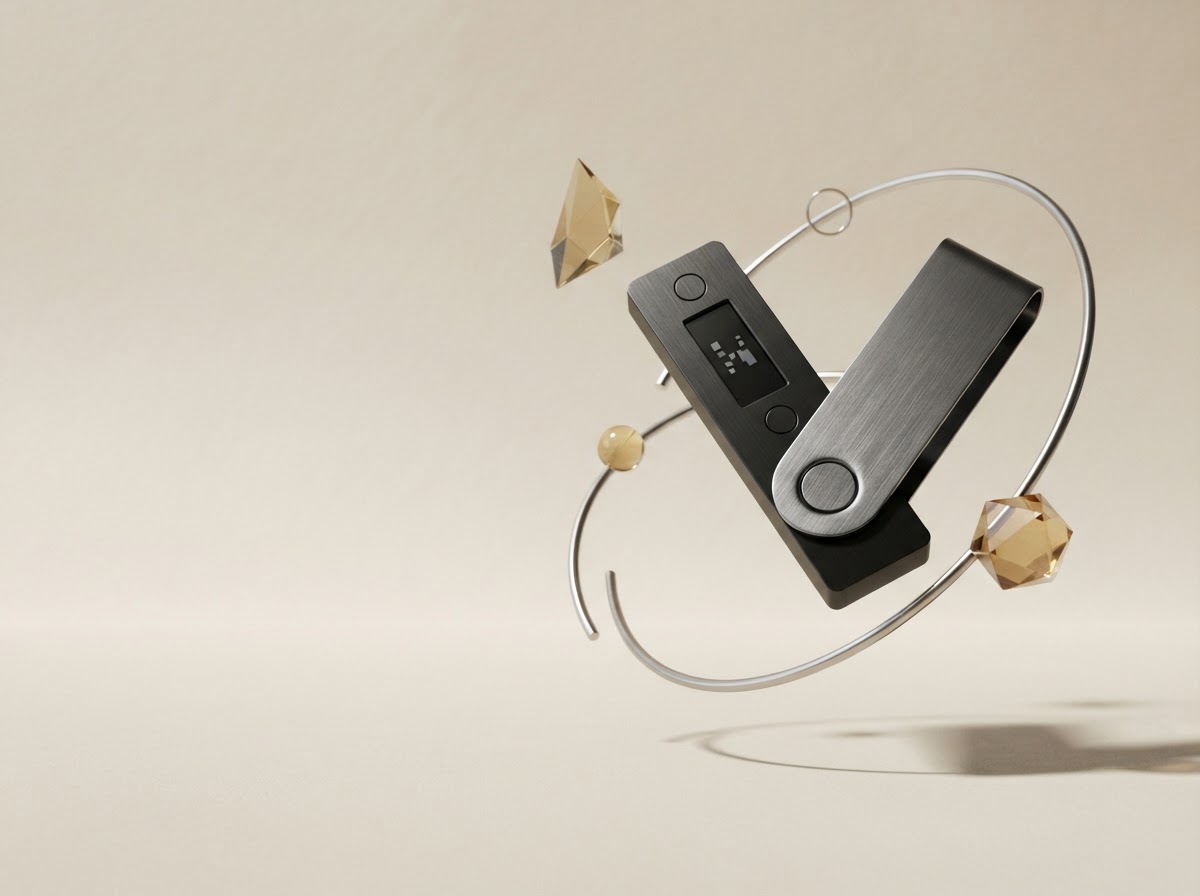
Ledger helps you protect what’s yours. Your hardware wallet keeps your private keys offline, while the Ledger Wallet app gives you a clear place to manage your crypto and explore digital assets.
Getting started doesn’t have to feel complicated. Follow the guided setup, verify your device, and create a recovery phrase that only you can access. Your phrase is the master key to your wallet—keep it private, keep it offline, and never share it with anyone.
Learn about staying safeOne important rule
Ledger will never ask you to share your 24-word recovery phrase.
A little setup now. A lot more peace of mind later.
Use the official Ledger Wallet app to get started. Follow the on-screen instructions to connect and prepare your device.
Complete the genuine check in the app. It helps confirm that your device is authentic and ready to protect your keys.
Write your phrase on paper and store it somewhere private and secure. Never take a photo or share it online.
Take the first step toward a more confident way to manage your digital assets.
Start your setup Start from the official Ledger website